

Clean Files That Cut Correctly
CAM file prep is the step between your drawing and a machine-ready job. We check line work, layers, vector paths, tool offsets and cut order so the final output matches the part you need, not just the picture on screen. For workshops in Johannesburg, Pretoria East, Durban or Cape Town, this matters when material is expensive and machine time is limited.
Good prep keeps tabs on kerf allowance, pass depth and part nesting. It also helps with parts that need pockets, through-cuts, drill points or score lines. If your workshop is running during load-shedding or on backup power, tidy files save time because the machine can get back on job faster after a restart.
- Vector clean-up for cutting, routing and marking
- Layer sorting for separate toolpaths
- Allowance checks for fit and finish
- File review for scale, units and export settings
Sizes, File Types and Output Options
We handle common workshop file formats used for CNC routing, laser cutting and plotter work. The size of the file depends on the final part, but the prep process is the same whether you are cutting a small badge or a full sheet panel for a school lab refresh in Soweto or Midrand. Sheet sizes can be laid out for standard stock such as 1 220 x 2 440 mm boards, smaller offcuts, or custom panels.
Where needed, files are prepared for single jobs, batch runs or repeated member projects. That is useful for makerspaces, training venues and school groups that need several copies with consistent results. If the job includes mixed materials, we separate each material path clearly so the operator can load and run it in the right order.
- 2D vector prep for cutters and routers
- Layered files for multi-step work
- Sheet nesting for better material use
- Job labels for repeat runs and training groups
Where CAM Prep Fits in the Workshop
This service suits makerspaces, start-up workshops, schools, community labs and small production teams that need accurate output without wasting time on trial runs. It is especially useful where new members are learning the machine and need clear handover notes, or where facilitators want a repeatable process for events and weekend build sessions.
In coastal areas like Durban and Gqeberha, humidity can affect some sheet goods and storage, so file prep should match the material actually on hand. In Gauteng workshops, where space is tighter and power cuts are common, we often see jobs benefit from tighter nesting and fewer unnecessary tool changes. That keeps the workflow practical and easier to manage.
- Makerspaces with shared equipment
- Training rooms with rotating users
- School and college fabrication labs
- Event maker stations and demo setups
Setup Needs for Machines, Power and Ventilation
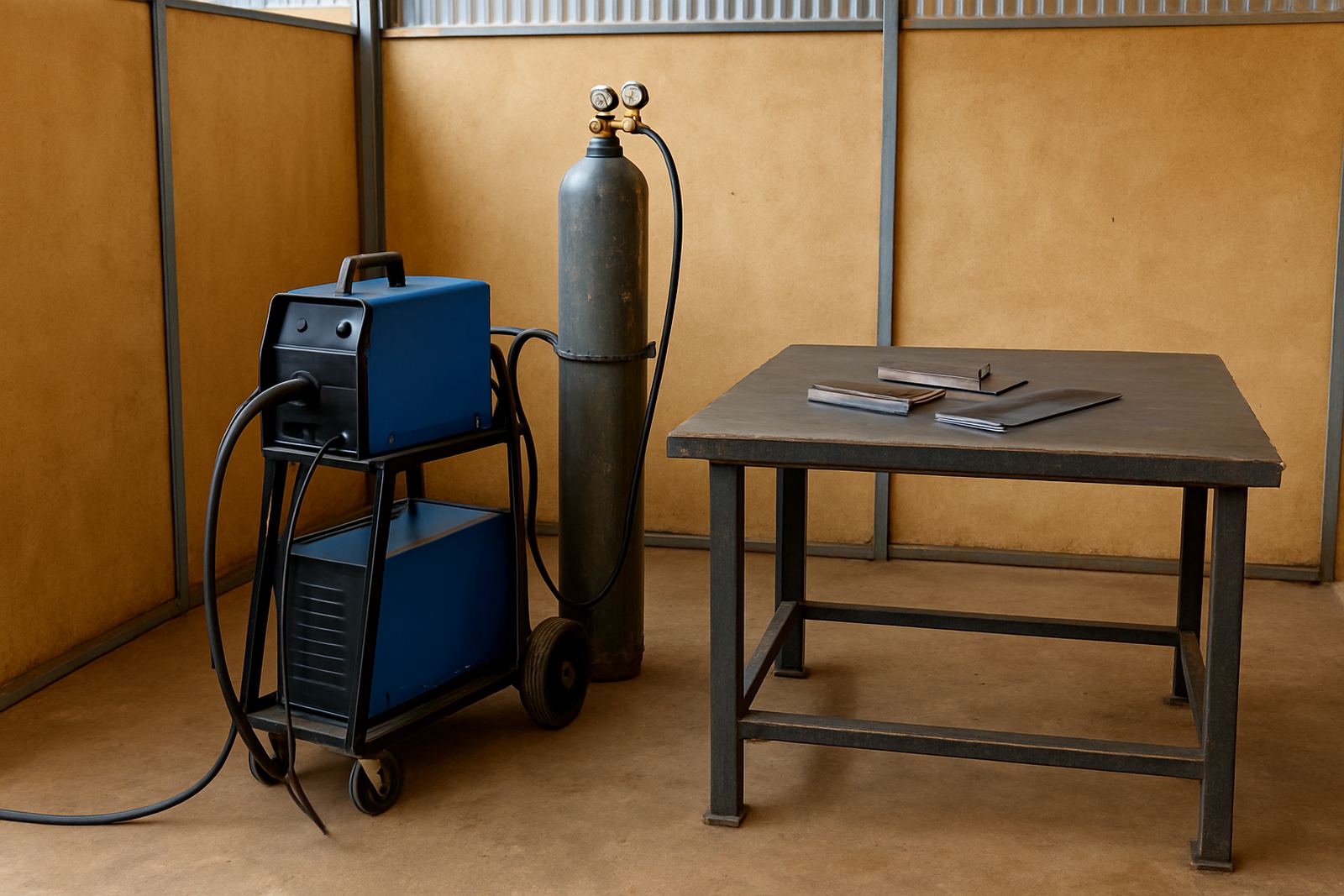
CAM file prep itself does not need gas, but the workshop setup around it often does. CNC routers, laser cutters and engraving tables may need stable power, extraction, compressed air or dust control depending on the machine. If a site has backup supply, we check whether the machine controller, computer and extraction all stay online during outages.
For safe operation, the room should have enough clearance around the machine, clear signage and a defined loading area. Ventilation is important when cutting plastics, plywood or treated board. If your venue is in a shared building in Braamfontein or Sandton, check municipal and landlord rules for noise, fumes and after-hours access before the job is booked.
- Stable power and surge protection
- Dust extraction or fume removal where required
- Clear access for material loading
- Enough table space for finished parts and offcuts
What to Check Before You Place an Order
Before ordering CAM file prep, send the final drawing in the best format you have, plus the material thickness, sheet size and machine type. If the part needs a tight press fit, say so upfront. If the work is for a school, maker club or startup kit, note the user skill level so the file can be prepared with simpler steps where needed.
It also helps to confirm whether the job is for cutting only, routing only, or a mix of both. Check the finish you want on the edges, whether holes must be exact, and if the job needs labels or assembly marks. Small details like grain direction, screw clearances and hinge positions can save a lot of rework later.
- Final size in millimetres
- Material type and thickness
- Machine to be used
- Quantity needed
- Tolerance or fit requirement
Care, Servicing and File Review Between Runs
Once a CAM job is approved, keep the source file, machine notes and any revisions together for later use. That makes repeat runs easier for teams in Pretoria East, Durban and Cape Town, especially when different facilitators handle the same equipment. If a file starts giving poor results, the problem may be in the tooling, not only the drawing.
Regular servicing should include checking cutter wear, belt tension, spoilboard condition, bed flatness and extraction performance. If the workshop is used for training, review the file after each session so the next group can work from a cleaner version. That is how you keep output consistent and reduce waste over time.
- Store approved files with version notes
- Check tooling before repeat runs
- Inspect spoilboard and bed condition
- Review fit after the first cut
Key facts
| Primary use | Prepare machine-ready files for cutting, routing and workshop output |
|---|---|
| Common formats | 2D vector files, layered cut files, drawing exports and routing paths |
| Typical sheet size | Up to 1 220 x 2 440 mm and smaller custom layouts |
| Best suited for | Makerspaces, schools, small workshops and training venues |
| Workshop requirements | Computer, compatible machine, stable power, extraction and clear loading space |
| Planning focus | Scale, tolerances, nesting, tool order and material thickness |